The windowis the content.
Free software for Windows. No toolbars, no menus, no settings, no network of its own.
See how it works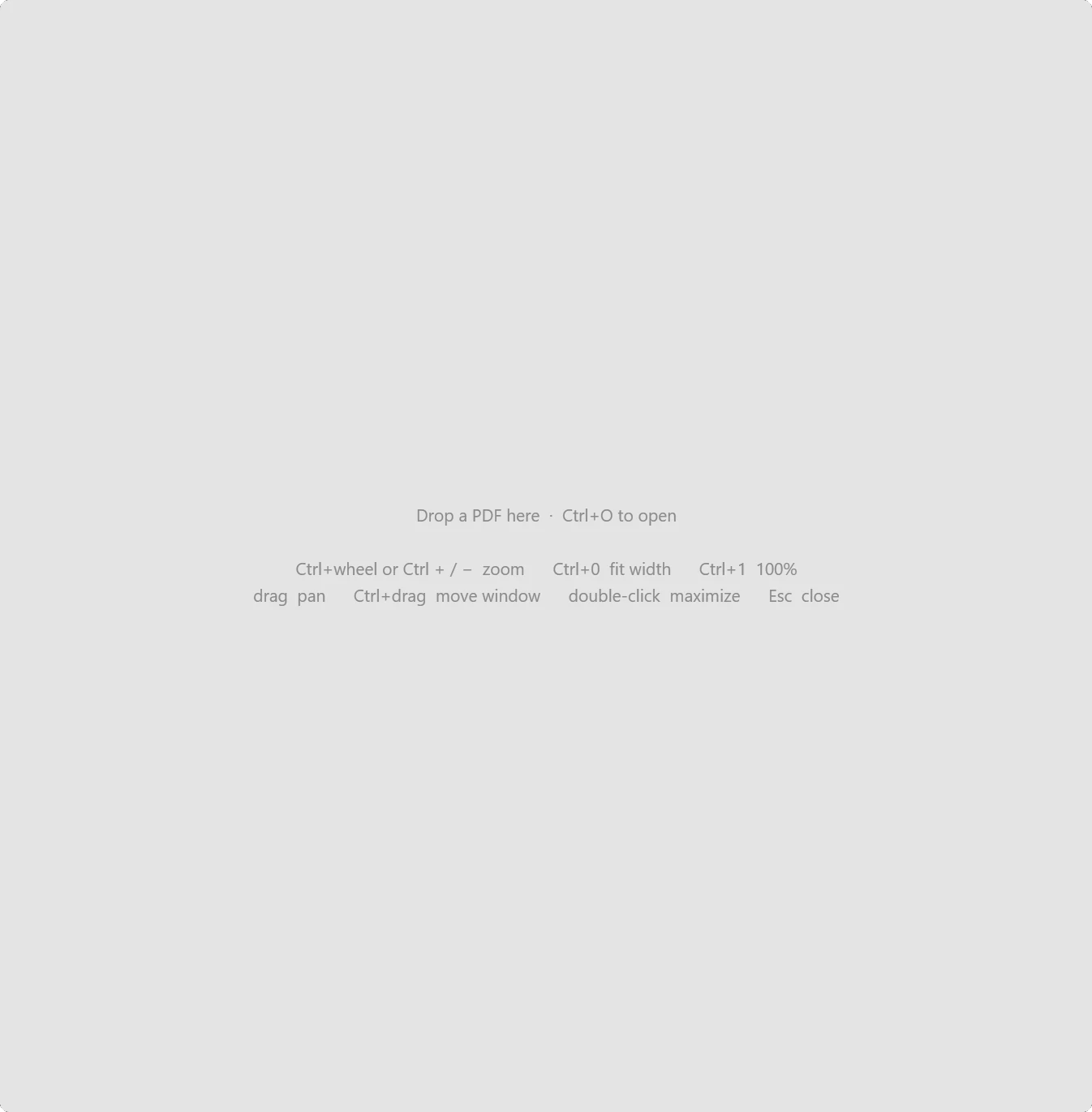
Four steps, one take.
Drop a PDF, or Ctrl + O.
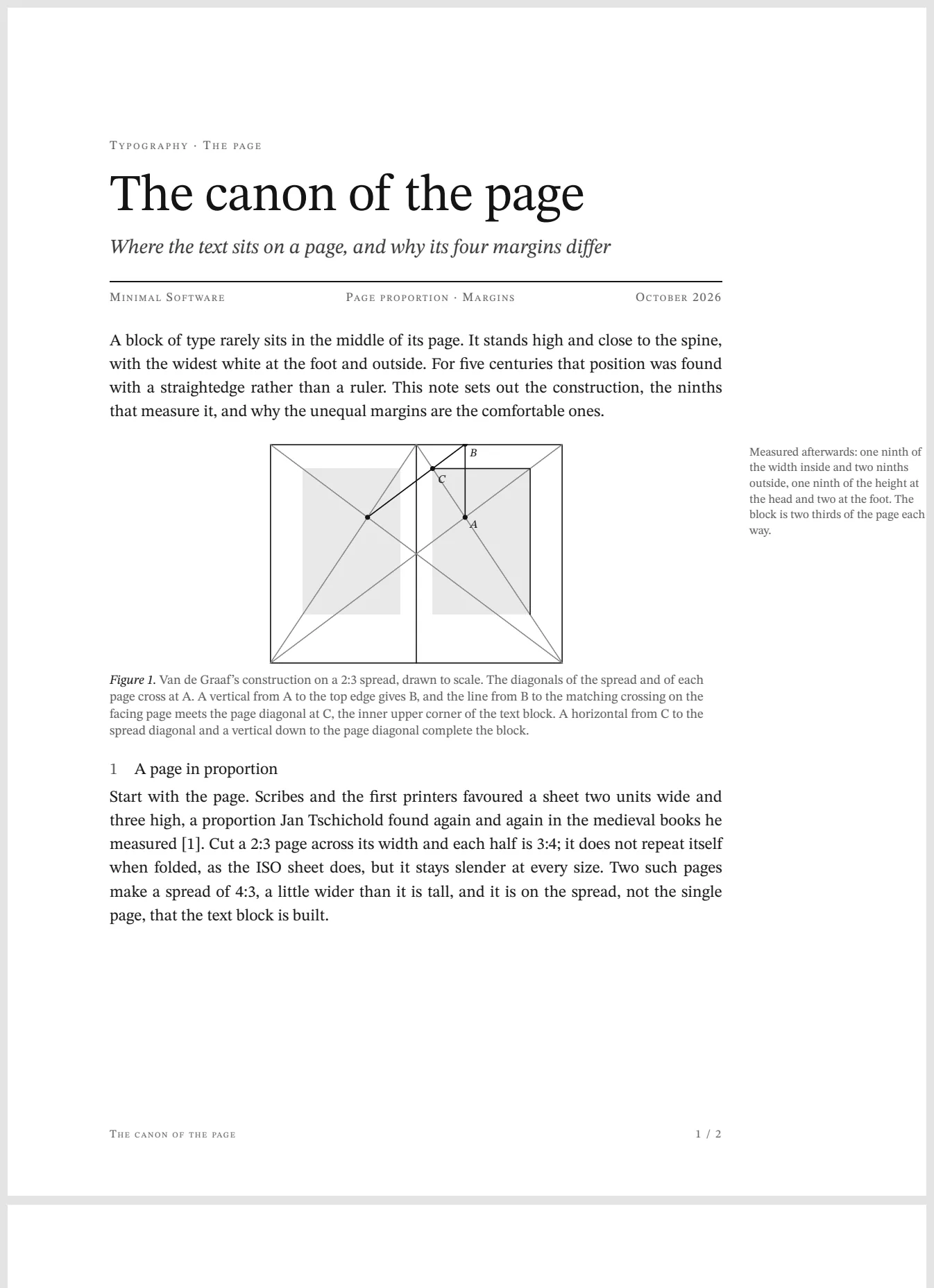
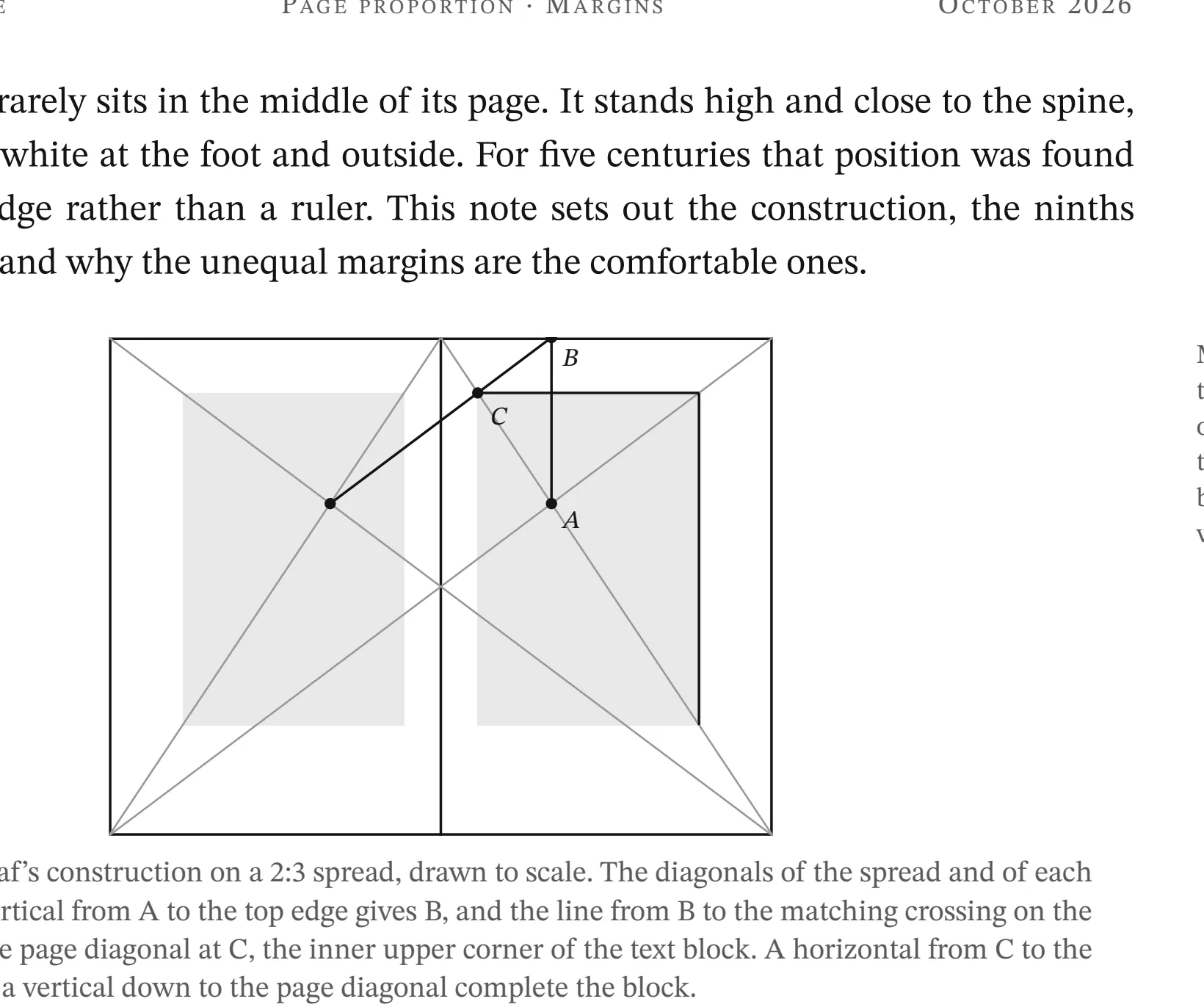
Zoom where the pointer is.
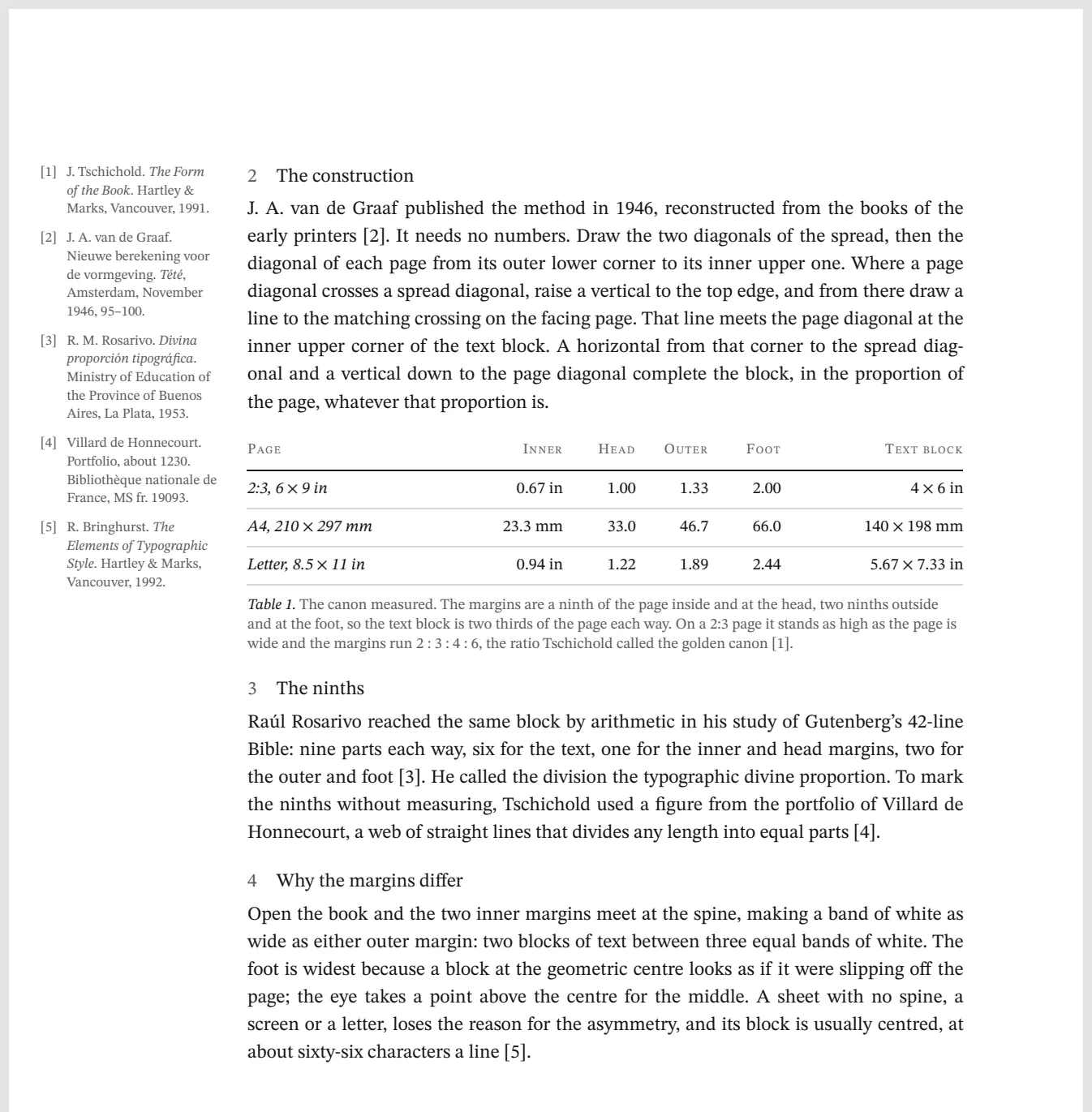
Scroll, or turn the page.
Ctrl + drag moves. Esc closes.
Renders of canon.pdf at the sizes Minimal PDF draws it at 150 % display scaling. The empty window is a real capture, and the badge and the scroll mark are drawn to the app's own measurements and timing. Press a step to replay it, or drag the file onto the window yourself.
One window onto one kind of content.
This isn't a suite. There's no launcher, no account and no shared settings. Each app installs, runs and uninstalls on its own, and all they share is how they behave.
First release in testing · 1.0.0
Minimal PDF
The PDF viewer that is just the PDF. Continuous pages, zoom around the pointer, sharp at any scale. One small program, no network.
Next · in development
Minimal AI · next
One window onto the web assistants you already use.
Seven rules, applied to every app.
Every app is checked against all seven before it ships, and every feature request is answered with the number it would break.
Zero chrome
No caption, toolbar, menu bar, status bar, sidebar or scrollbars. The window edge is the content edge.
Native frame only
Windows draws the one-pixel border, rounded corners and shadow, so the window still snaps, stacks and resizes like any other.
An ordinary viewer, minus its six parts: the caption, the menu bar, the toolbar, the sidebar, the status bar and the scrollbar. The page and its frame remain.
Every action is a gesture or a key
Zoom, scroll, page, open, move, maximize and close all work from the mouse or the keyboard. There isn't a button anywhere.
Feedback is transient
A page or zoom badge and a hairline scroll mark appear while something changes, then fade in about a second.
No configuration
No settings, no preferences file, no registry keys. It opens, shows and closes.
No dependencies, no network of its own
The engine already inside Windows does the work. The app never connects to anything.
Crisp by construction
Content is drawn at the exact device-pixel size it fills, at your monitor's real scale, so text is never blurry.
Made with what is already in Windows
Nothing bundled, nothing to trust twice.
Windows has shipped a PDF engine since 8.1, along with image codecs, a media pipeline and a browser engine. A Minimal app asks the engine you already have to draw the content at the exact pixel size it fills on your screen, then shows the result. There's no third-party renderer inside the app and no parser of its own to patch. The one it uses is patched by Windows Update, like the rest of your system.
- PDF engine
- Windows.Data.Pdf, part of Windows since 8.1
- Other code
- Only Microsoft's own Windows bridge libraries, bundled inside the one file
- Writes to disk
- Nothing. Version 1.0 only reads your files
- Runs as
- A normal user. It never asks for administrator rights
- Licence
- MIT. The source goes public with the first public release
Minimal Software is made by Federico Etinger in New York and Bucharest, with Claude and Grok as the development team. The build log shows who decided what.